Is MacBook convenient for Learning HTML\Java?
Review of the necessary terminology. MacBook suitability analysis for studying these programs. Its characteristics and advantages. Conclusions.
MacBook as One of the Most Popular Choices
MacBook is one of the most popular laptops among a wide variety of users. These include students, professionals, and anyone looking for an efficient and reliable device for their needs. It is known for its stylish and ergonomic design. Also, its macOS operating system is highly productive. This laptop has different models and configurations. So, users can choose the one that suits their needs and budget. And they do. Indeed, MacBooks are used in various fields of activity – from everyday work to scientific research.
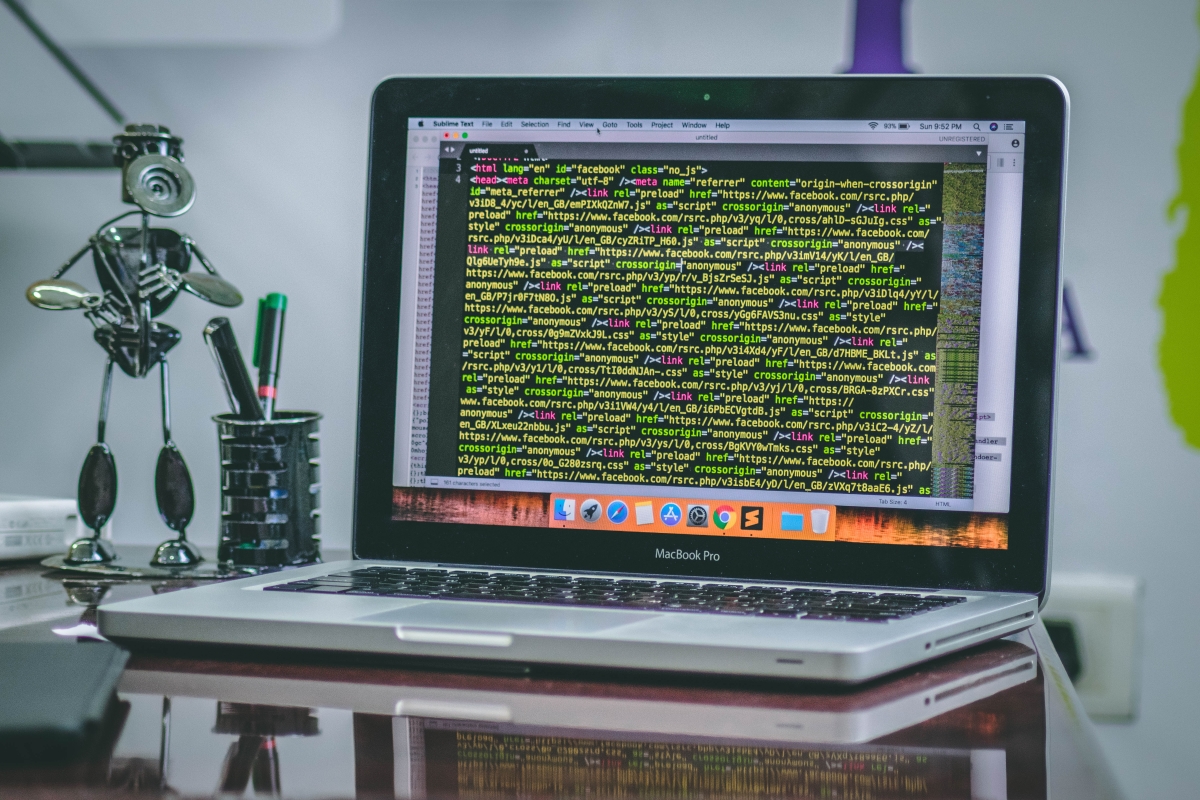
When it comes to programming, the most important thing is to choose the platform on which the programmer will work. One of the most popular choices is the MacBook. It's great for working with various programs for developing websites and web applications. Its capabilities also allow you to work professionally with graphic design and video editing. Any other task that requires high quality processing and good performance can also be performed perfectly thanks to the capabilities of the MacBook.
Let's Get to Know HTML and Java
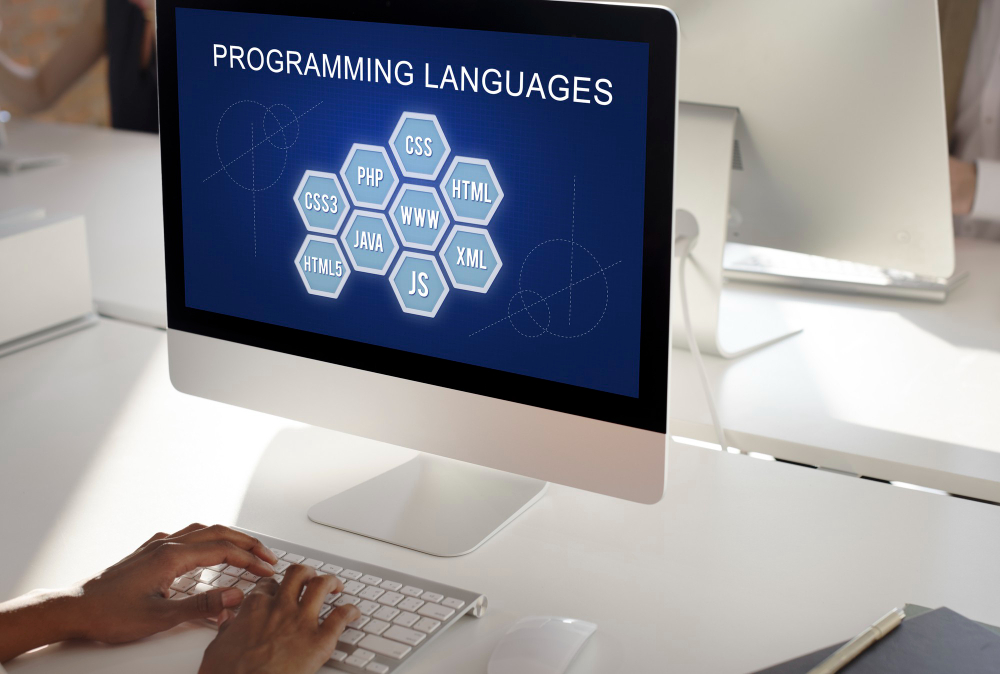
In this article, we'll look at how convenient MacBook is for learning HTML and Java. We'll also talk about MacPaw’s solutions that can make a programmer's life easier. So, HTML and Java are two different programming languages. They are used to creating web pages and web applications.
Hypertext Markup Language (HTML) is used to create web pages. It is used to create text documents with various multimedia elements, images, videos, and hyperlinks. HTML also defines the structure and content of a web page. This markup language is used to work with headings, paragraphs, lists, and other elements. All this is done to ensure that browsers display the page content correctly.
The Java programming language they use to develop software and web applications. The term Java itself we can decipher as Java's Virtual Machine. This is because the Java language is compiled into byte code. This code is then executed on a JVM (Java Virtual Machine). It allows you to run Java programs on any plаtform that has a JVM. Java is considered one of the most popular programming languages in the world. It is used to create applications on various platforms. This includes mobile applications, web applications, and computer software. Java is used to create large programs that can run on different operating systems without the need for recompilation. However, it can come in handy. Therefore, it is also necessary to understand its essence.
Recompilation
Recompilation is the process of converting the program source code which is written in one programming language into executable code in another programming language. It may be necessary if you develope a program for different operating systems and platforms. Or, if you want to port a program from one programming language to another. In such cases, you need to recompile the source code of the program to ensure its operability.
Recompilation may be partial and full. Partial one can be limited to only certain parts of the program. Full one involves converting the entire source code of the program. In general, recompilation is an important step in software development. It allows you to ensure compatіbility of the program with different runtime environments. Thus, recompilation increases program efficiency and productіvity. Gemini 2 or Encrypto MacPaw solutions will be useful for saving and organizing files. They will also provide more efficient work with the program source code and help with recompilation. So, MacPaw solutions can make life easier for a programmer using a MacBook, especially when recompiling program source code.
Learning HTML and Java
What to Look for When Choosing a MacBook
It's important to understand that learning HTML and Java doesn't require a lot of computer power. These programming languages can be learned on any computer with basic characteristics. With this in mind, a MacBook can be quite convenient for learning these programming languages. However, there are some important things to consider before choosing a MacBook.
- Choose a model with enough RAM. For learning HTML and Java, 8 GB of RAM is enough. However, if you plan to use your MacBook for large programming projects in the future, you may need more RAM.
- MacBook is considered the most advanced among other alternatives. This affects its pricing policy compared to other computers with similar characteristics. Therefore, it will not be superfluous to analyze the possibilities of the budget beforehand.
Characteristics of MacBook as a Suitable Option for Learning HTML\Java
- Operating System MacBook runs on the macOS operating system. It's known for its security and stability. It provides a convenient and reliable environment for developing programs that use HTML and Java.
- Compatibility Java is a cross-platform programming language. This means that programs written in Java can run on any operating system. Including macOS. Thus, learning Java on a MacBook has no limitations.
- Mobility and Convenience MacBook has a compact design. It is easy to carry around. This allows students and programmers to learn and develop programs using HTML and Java anywhere with Internet access.
- Performance MacBooks are equipped with powerful processors and large amounts of RAM. This allows you to quickly complete programming tasks and use a variety of application development tools, including MacPaw solutions.
- MacPaw solutions They help keep your system clean and keep your MacBook running fast and secure. They also help you install and update the tools you need to learn HTML and Java, such as text editors and interpreters.
Various MacPaw Solutions
The professional life of a programmer using a MacBook can be made easier by various MacPaw solutions. They are commercial products. So, before using them, you should make sure that they are compatible with your OS version and programs. After making sure of the above, using them will be fully worthwhile. Here are just a few of them that will definitely be useful for comfortable MacBook use and learning different programs on it.
- Hider 2 protects the confidentiality of your Mac information. It encrypts files and folders and protects them with a password. It can also hide them from being found by other users.
- Gemini 2 finds and deletes duplicate files on your Mac. It helps free up hard disk space and improve system performance.
- DevMate is a developer platform that provides tools to support applications on different platforms. It helps developers to reduce the burden of maintaining their applications and focus on developing them.
Benefits of Using a MacBook to Learn HTML and Java
-
The macOS operating system has a built-in text editor called TextEdit.
You can use it to write HTML and Java code.
What you need to do:
- 1.1. Open the app. To do this, use the Spotlight search or find it in the Applications folder on your Macintosh HD drive. Once TextEdit is open, you can start writing code.
- 1.2. Select the Format option from the main menu. Select Make Plain Text. Create a new document in which to write your HTML code. When you save the file, specify the .html extension. This is to tell your browser program that it's an HTML file.
- 1.3. To write Java code in TextEdit, you need to change some settings. Please, select the Preferences option from the main menu. Then, select Open and Save and choose Plain Text Encoding. Next, select Unicode (UTF-8) as the encoding. This will help save Java code in Unicode format, which is supported by all operating systems.
- 1.4. Now you are ready to start writing Java code.
Please, create a new document in which to write the code. When saving the file, specify the .java extension. This is done to tell the compiler program that this is a Java file.
-
MacBook has a built-in Retina display. It has high image quality and support for a wide color
range. This allows yоu to visualize graphics and design at a high level.
A regular screen may not provide the clarity and image quality you need to learn HTML or Java. To write code, you need to be attentive to details and see small text. High resolution of the Retina screen benefits:- 2.1. Images and text look very clear and detailed.
- 2.2. This allows you to study and write code with less eye strain.
- 2.3. It also helps to increase productivity in working with software products.
- 2.4. The built-in Retina screen provides a wide viewing angle and high brightness, which is also very helpful when learning and developing software.
- MacBook has a powerful processor. It also has enough RAM to run various code editors and
development tools. VisualStudioCode, SublimeText, NеtBeans, and others are among them.
They provide the following assistance and give benefits:
- 3.1. Code editors have the ability to highlіght syntax. This helps users see how their commands and functions will look in the final product.
- 3.2. They have the ability to track errors. Editors show errors in the code and suggest fixes. This allows you to avoid mistakes when executing the cоde in the future.
- 3.3. Code editors have auto-completion. They offer various commands and functions that make writing code easier and reduce errors.
- 3.4. They also have debugging capabilities. This allows users to set breаkpoints in their code and view variable values in real time. This helps to find and fix errors.
- MacBook has a great back lit keyboard. This allows you to comfortably enter code and quickly move through the text.
Conclusions
From all of the above, we can see that the MacBook is a reliable and powerful laptop that can meet the needs of different users. Among them will be those who want to learn how to work with HTML and Java, and those who already work with them. The characteristics described above will help you not just understand the topic, but look at it in all its details. It will also help you understand the solutions offered by MacBook. Separately, you could also understand all the significant advantages of MacBook when choosing it to learn Java and HTML programming languages. The advantages are presented with a breakdown of the essential support functions.